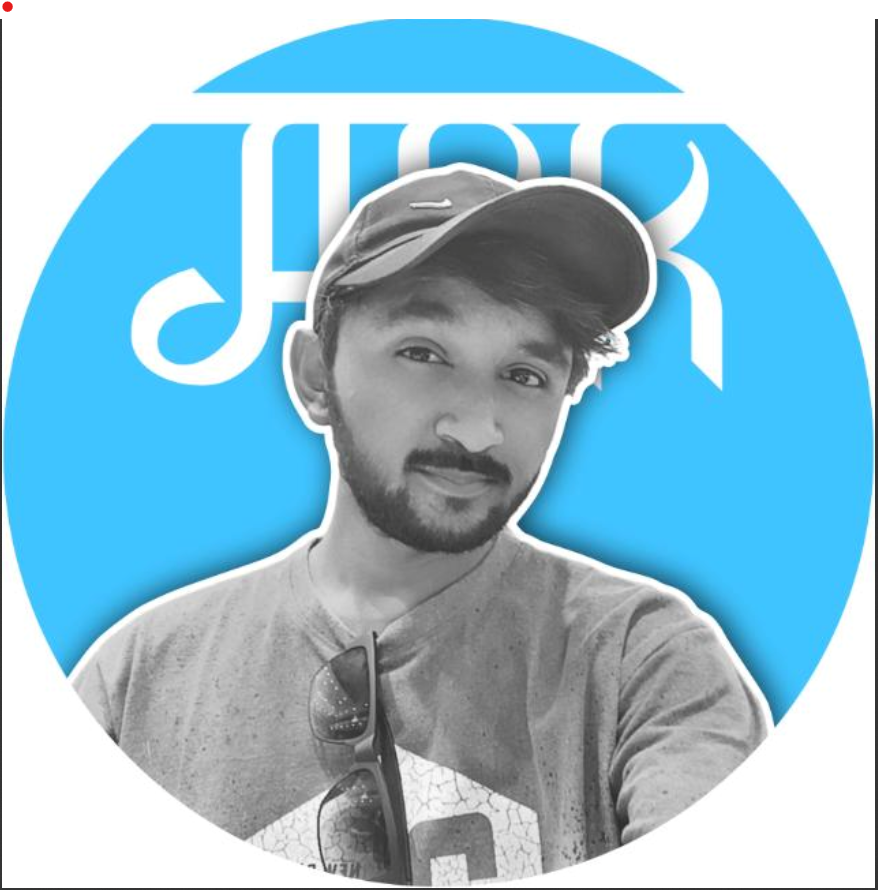

This are some steps-for making dhruv rathee same as thumbnail.
THUMBNAIL DESIGN :

Now,
First of all we are provide you a youtube tutorial link if you want any help go to contact option and connect with our team ( @aditya_ki_tips ) INSTAGRAM USER Name _ Now we are comming
Blog को आगे पढ़ने के लिए अभी subscribe करे ।
मैने यहां पर कुछ step दिए है इन्हें FOLLOW करे सबसे पहले PICSART ऐप को शुरू करे और वह एक इमेज तैयार कर ले आपको ये सब करने के लिए कुछ पंज की जरूरत पड़ेगी जिन्हें जिन्हें मैं अपने बायो मेंद रखा है और साथी आप अपने वीडियो के लिए कुछ इमेज तैयार कर सकते हो हमारे इसब्लॉकमें ध्रुरिलेटेडठीसे रिलेटेड इमेज दिए हुए हैं आप चाहो तो इन्हें इस्तेमाल कर सकते हैं
थोड़ा एकचे जाकरआपको एक लिंक मिलेगा जहां से आप उन्हें downlode कर सकते हो एक बारी में । चलिए अब बिना टाइम गवाए आपको आगे लिंक दे देता हु ।
Click on material link for material png
STEP 1 – Click on link and oepn it first, opening new tab for Link google drive

Step 2 – Now, You are open a folder of name is / DHRUV RATHEE LATEST

Final step – Now Hold the img and downlode this file one by one or full folder
CLICK HERE
THANK YOU / DONT FORGET TO SUBSCRIBE BUTTON.

